


![Mount Carmel College [MCC], Bangalore](https://studyriserr.com/images/logo/1712129661MCC Bangalore Logo.jpg)
![College of Engineering And Management [CEM], Kolaghat](https://studyriserr.com/images/logo/1712944057148854482644444.jpg)





![Indian Institute of Foreign Trade [IIFT], Kolkata](https://studyriserr.com/images/logo/1711707721Indian_Institute_of_Foreign_Trade_logo.jpg)
![Institute of Business Management & Research [IBMR], Kolkata](https://studyriserr.com/images/logo/17129440611501765291148497692555868l.jpg)
![Seacom Skills University [SSU], Birbhum](https://studyriserr.com/images/logo/17129440541486354667xseacomskillsuniversitybirbhum55270.jpg.pagespeed.ic.Qt1JgoghYw9gNSKdI3Qx.jpg)
![The Oxford College of Engineering [TOCE], Bangalore](https://studyriserr.com/images/logo/17048139361459838167OxfordNursing.png)



The SRM Institute of Science and Technology (SRMIST) has scheduled the SRMJEEE 2026 Phase 1 Mock Test from April 21 (11:00 AM) to April 23, 2026 (8:00 PM). The mock examination is a critical step for registered candidates to familiarize themselves with the RPOM before the actual entrance test.
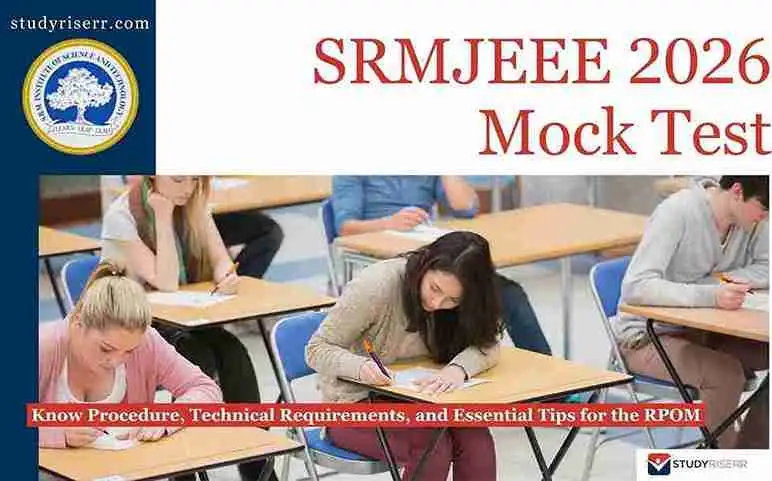
This preparatory window follows the Phase 1 slot booking process, which concludes on April 20. The mock test is designed to replicate the real exam environment. Log in to the official admission portal at srmist.edu.in during the mock window to ensure your systems meet the requirements for the AI-based proctoring software, technical setup, including webcam functionality and internet stability.
The SRMJEEE 2026 exam will be conducted as a home-based Remote Proctored Online Examination. This 125-question paper consists entirely of multiple-choice questions across Physics, Chemistry, Mathematics or Biology, English, and Aptitude. Students will receive one mark for each correct response, with the benefit of no marks being deducted for incorrect answers. Phase 1 main exam dates are set for April 24–29, 2026.
Key Dates for SRMJEEE 2026 Phase 1
Check out the upcoming dates for SRMJEEE 2026. Phase 1:
| Event | Date & Time |
| Mock Examination (Online) | April 21 (11:00 AM) to April 23 (08:00 PM) |
| Main Examination (Phase 1) | April 24 to April 29, 2026 |
| Exam Slots (Daily) | Forenoon (10:00 AM – 12:30 PM) and Afternoon (2:00 PM – 4:30 PM) |
How to Access the SRMJEEE Mock Test?
To participate in the SRMJEEE 2026 Phase 1 Mock Test, follow these essential steps:
- Step 1: Visit the SRM admission portal at srmist.edu.in or applications.srmist.edu.in.
- Step 2: Enter your registered email ID and password. On some portals, you may need to use your Application Number as the username and your Date of Birth (DDMMYYYY) as the password.
- Step 3: Before starting, you will be prompted to download and install the Safe Exam Browser (SEB).
- Step 4: The system will request access to your webcam to take a live photo of yourself and a clear photo of your ID proof (Aadhar Card, Voter ID, etc.).
- Step 5: Choose your academic stream (PCM or PCB) from the dashboard.
- Step 6: Confirm the displayed question paper details and your candidate information, then click "Continue” and carefully read the exam instructions to agree and click "I Agree."
- Step 7: A symbol box will appear showing different question statuses (e.g., Answered, Not Visited, Marked for Review). Review these and click "Continue."
- Step 8: Read the final set of navigation guidelines and click the "Start the Test" button to load the assessment and begin answering questions.

Essential Tips for SRMJEEE Remote Proctored Mock Test
Follow those essential tips while giving the test without an issue:
| Preparation & Technical Tips |
|
Read: SRMJEEE 2026 Phase 1 Registration Live: Last Date April 16; Know Eligibility, Fees and Link to Apply

Related News

Confused About Your Career?
Talk to an expert at Studyriserr






.png)





.jpg)

.webp)
.webp)

