


![Syamaprasad Institute of Technology and Management [SITM], Kolkata](https://studyriserr.com/images/logo/17129440671685432251Screenshot20230530130331.jpg)
![Camellia School of Engineering and Technology [CSET], Kolkata](https://studyriserr.com/images/logo/171294406314886142221475496675logo.jpg)
![Future Business School [FBS], Kolkata](https://studyriserr.com/images/logo/17129440651494842341logo.png)




![Calcutta Institute of Engineering and Management [CIEM], Kolkata](https://studyriserr.com/images/logo/17129440681564398892ciem.jpg)




IIT Madras has made DigiLocker account linking mandatory for all applicants ahead of the application window for GATE 2027. Online registration officially opens on August 27 at gate2027.iitm.ac.in. You must create or update your DigiLocker profile beforehand, as the portal will automatically pull core personal details directly from the platform to optimize verification.
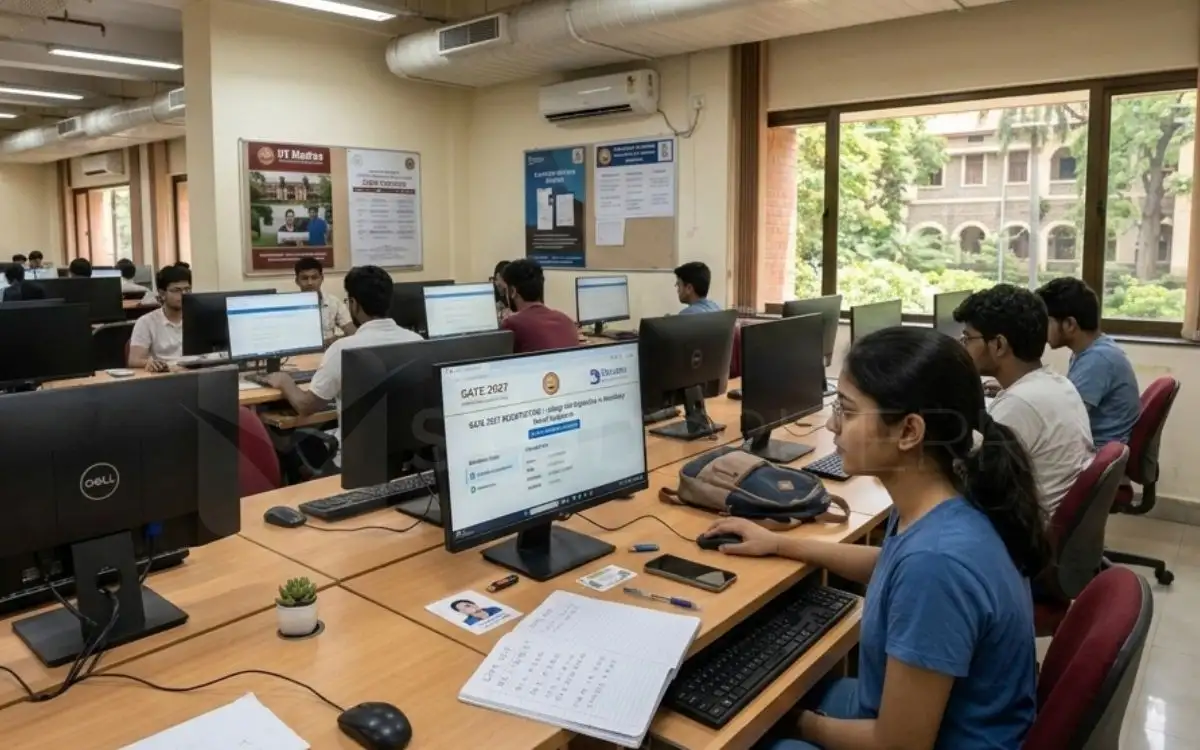
In addition to the DigiLocker data sync for GATE 2027, you will be required to upload a recent photograph (taken within three months), a scanned signature, a valid identity card, and applicable category or disability certificates in PDF format. The application process will also incorporate facial details for identity confirmation.
Direct Link: Digilocker Registration (Online) |
Applicants can submit their GATE 2027 Application forms without a late fee until September 21, while the extended registration window with a late fee closes on September 30, 2026. The examinations will be administered in two daily shifts across six dates: February 6, 7, 13, 14, 20, and 21, 2027.

Source: Official GATE 2027 Online Portal
Mandatory DigiLocker Linking Before Applying
The system will automatically fetch key information to filling out the GATE 2027 application form directly from your verified DigiLocker account, including:
- Full Name
- Date of Birth
- Contact Details (Mobile Number and Email ID)
- Profile Photograph
- Residential Address
- Verified Identity Card Number
How to Register and Set Up Your DigiLocker Account for GATE 2027?
Here is the process for setting up your DigiLocker:
- Step 1: Head to the official website at digilocker.gov.in.
- Step 2: Click on the Login/Register button located in the top-right corner of the homepage.
- Step 3: Provide your active mobile number and select Continue to move to the next step.
- Step 4: Enter your government identification number (Aadhaar number) and proceed with the verification flow.
- Step 5: Type in your 6-digit security PIN and complete the instant verification step.
- Step 6: Once authenticated, your linked identification card will appear on the dashboard, confirming your profile is setup and active.
Essential Documents for GATE 2027 Application
While completing the GATE 2027 form, must upload the following documents:
- A recently taken photograph (taken within the last three months)
- A scanned copy of your signature
- A valid identity proof (scanned copy)
- Relevant Category, PwD, or Dyslexic certificates in PDF format (if applicable)
Check:

Related News


Confused About Your Career?
Talk to an expert at Studyriserr






.png)





.jpg)

.webp)
.webp)

